







The triple threat
The HUAWEI MatePad Pro 12.2" delivers PC power, tablet portability and canvas creativity
By Len Amadora
Published Jul 8, 2025 08:19 am


I consider myself an old soul. By default, I've always preferred the use of PCs or laptops. There's something about those distinct and satisfying clicks and clacks of the keyboard, the freedom to multitask with overlapping windows and of course, the sheer power these machines offer.
Sure, tablets are sleek and portable, but to me, they've always felt like accessories. Great for streaming, casual browsing and fine, some occasional doodling. But for serious work? I don't think so. You can say I've always had a preference for the classics, but I didn't expect the HUAWEI MatePad Pro 12.2" to challenge that preference.
What changed? For a laptop or PC loyalist like me, the switch might've seemed like a leap of faith; but it turned out to be more of a Glide (pun intended), thanks to HUAWEI's aptly named keyboard. The HUAWEI MatePad Pro 12.2" blurs the line between tablet and full-fledged workstation, with features that tipped the scales.
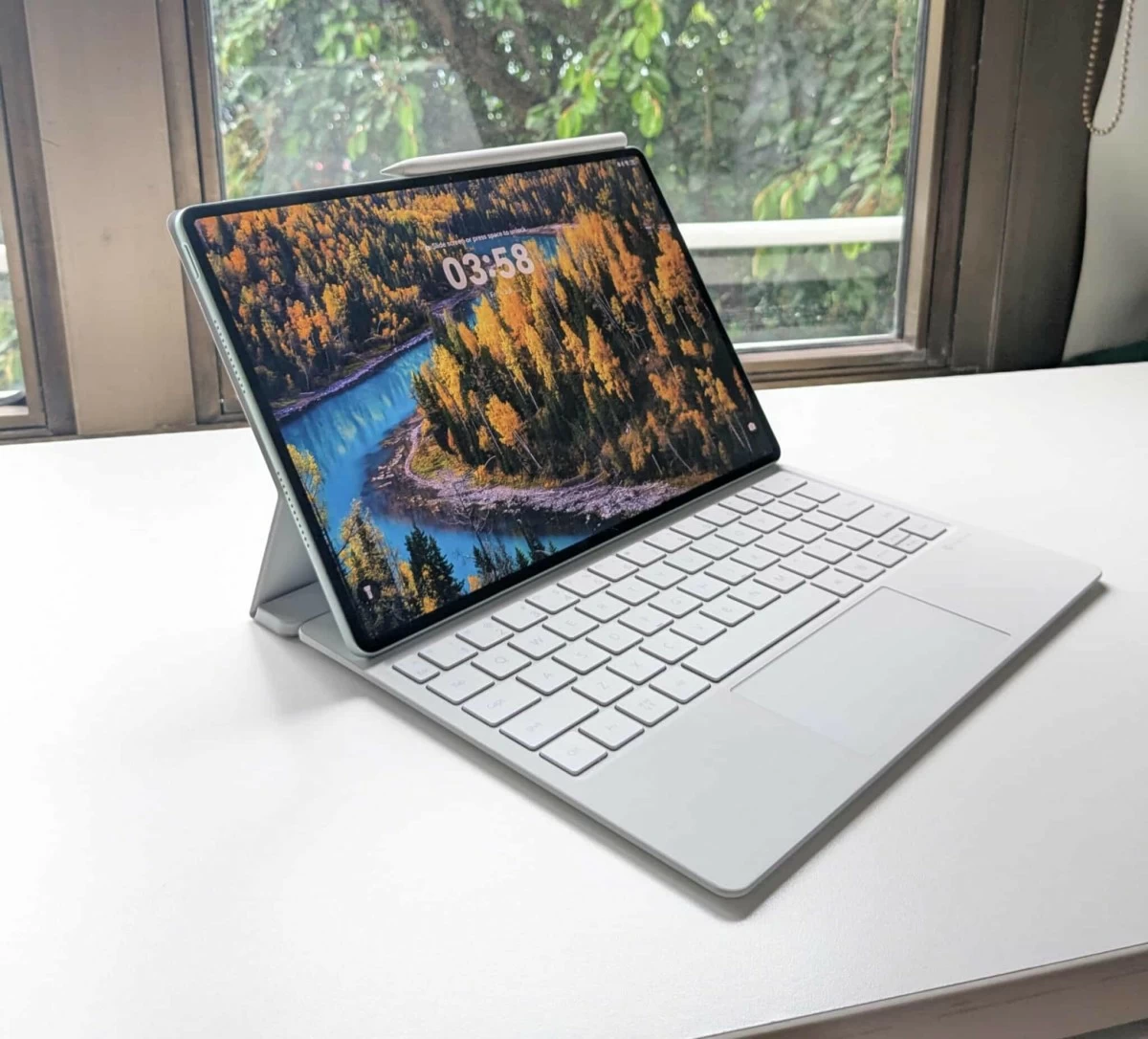
The HUAWEI MatePad Pro 12.2" is a premium tablet designed to redefine mobile productivity and digital creativity. It rightfully earns its "3-in-1 tablet PC" title by seamlessly transforming into 3 modes: a laptop for productivity, a tablet for everyday use, and a digital canvas for creativity.
Beauty in tablet mode
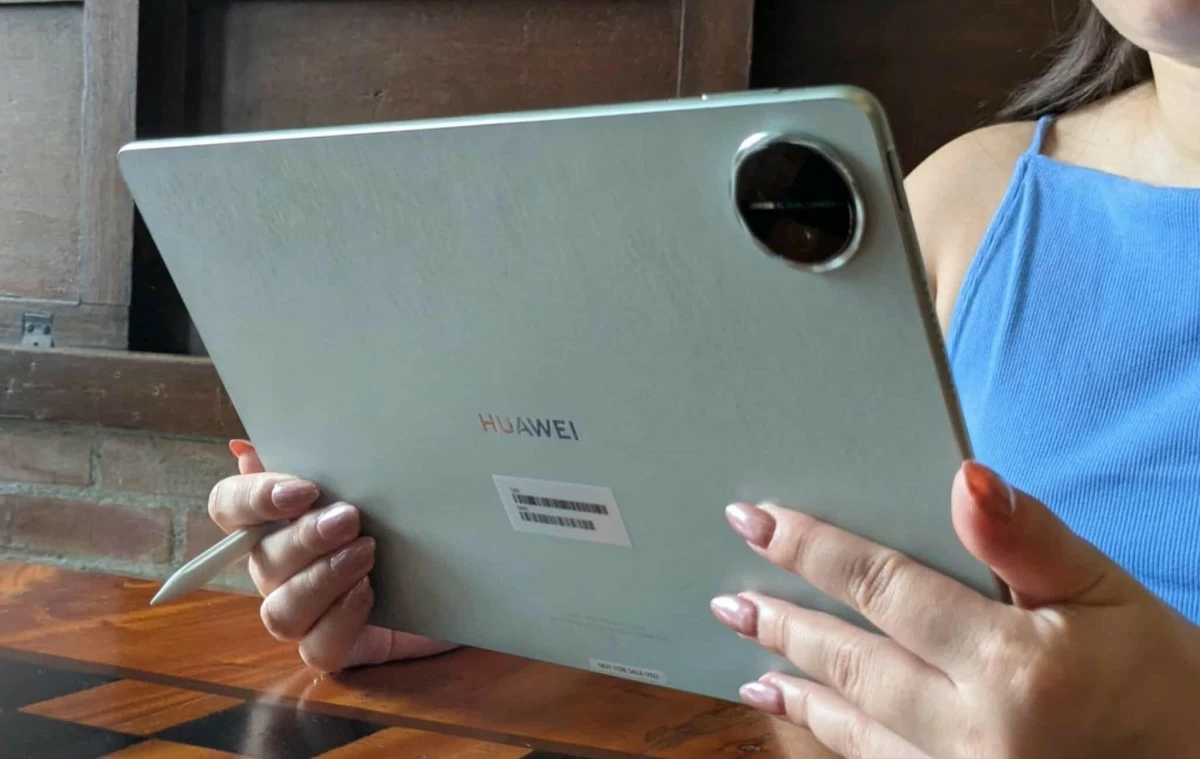
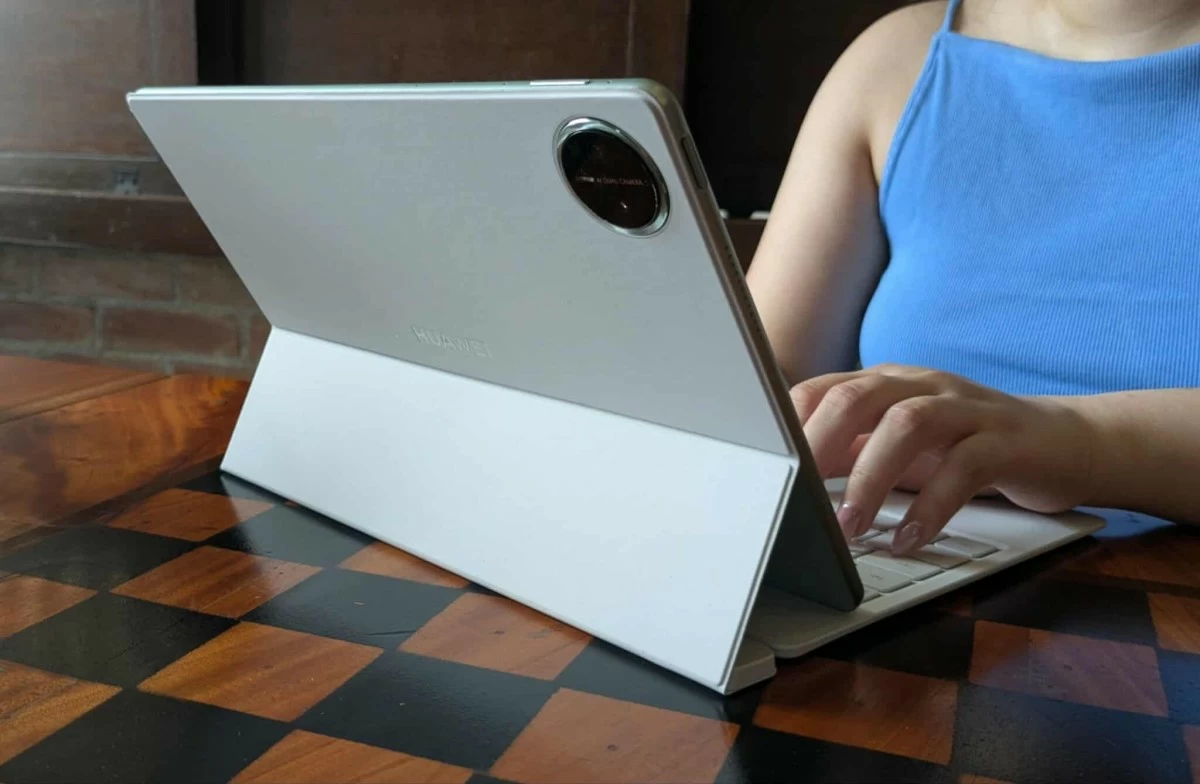
Weighing just 508g, the tablet I reviewed was the green variant, featuring a distinct Golden Silk design that mimics the texture of silk fabric, perfectly complementing its Tandem OLED PaperMatte display.
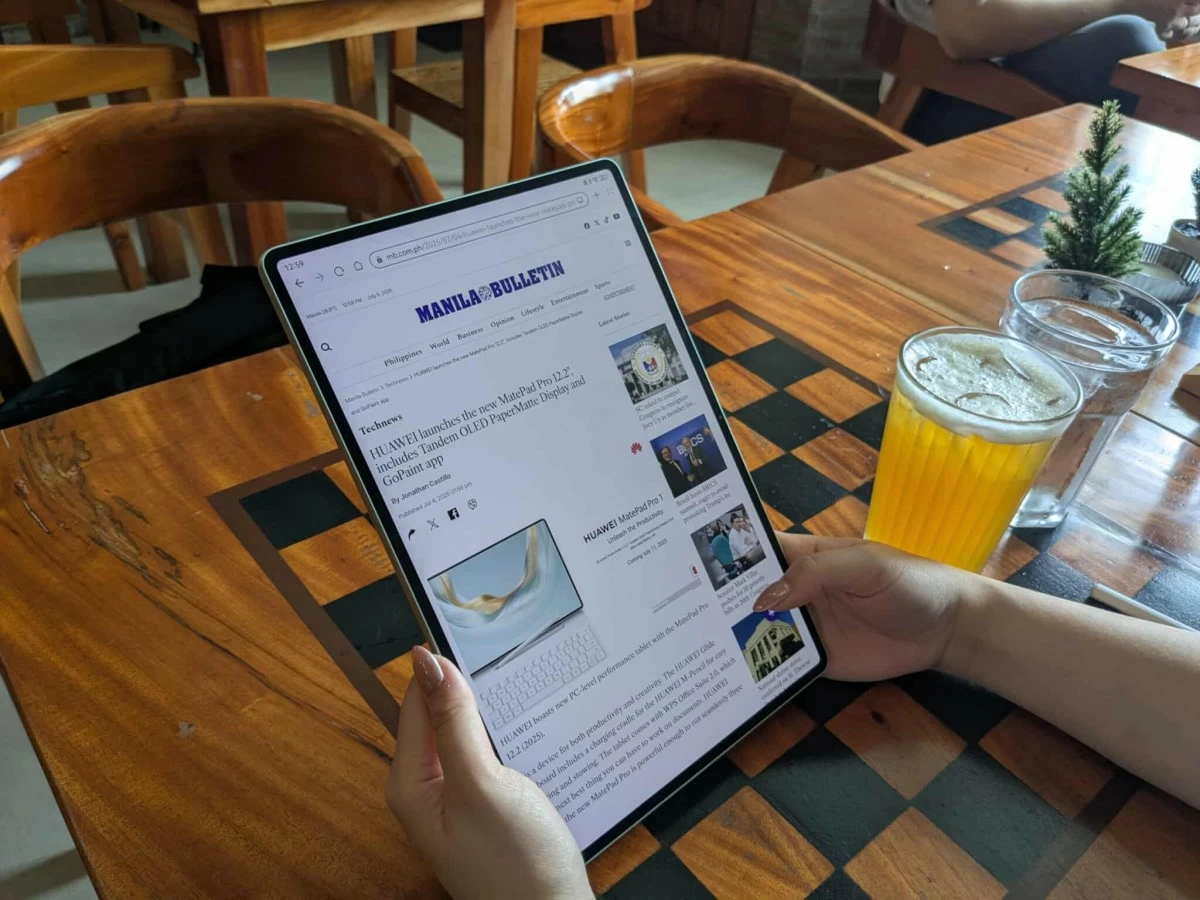
Simply put, the display has 2 layers of OLED pixels working together, delivering exceptional brightness, vibrant colors and sharp texts in any lighting condition; yes, even under direct sunlight. It is also more energy-efficient, as each layer does not have to work as hard to produce stunning visuals.
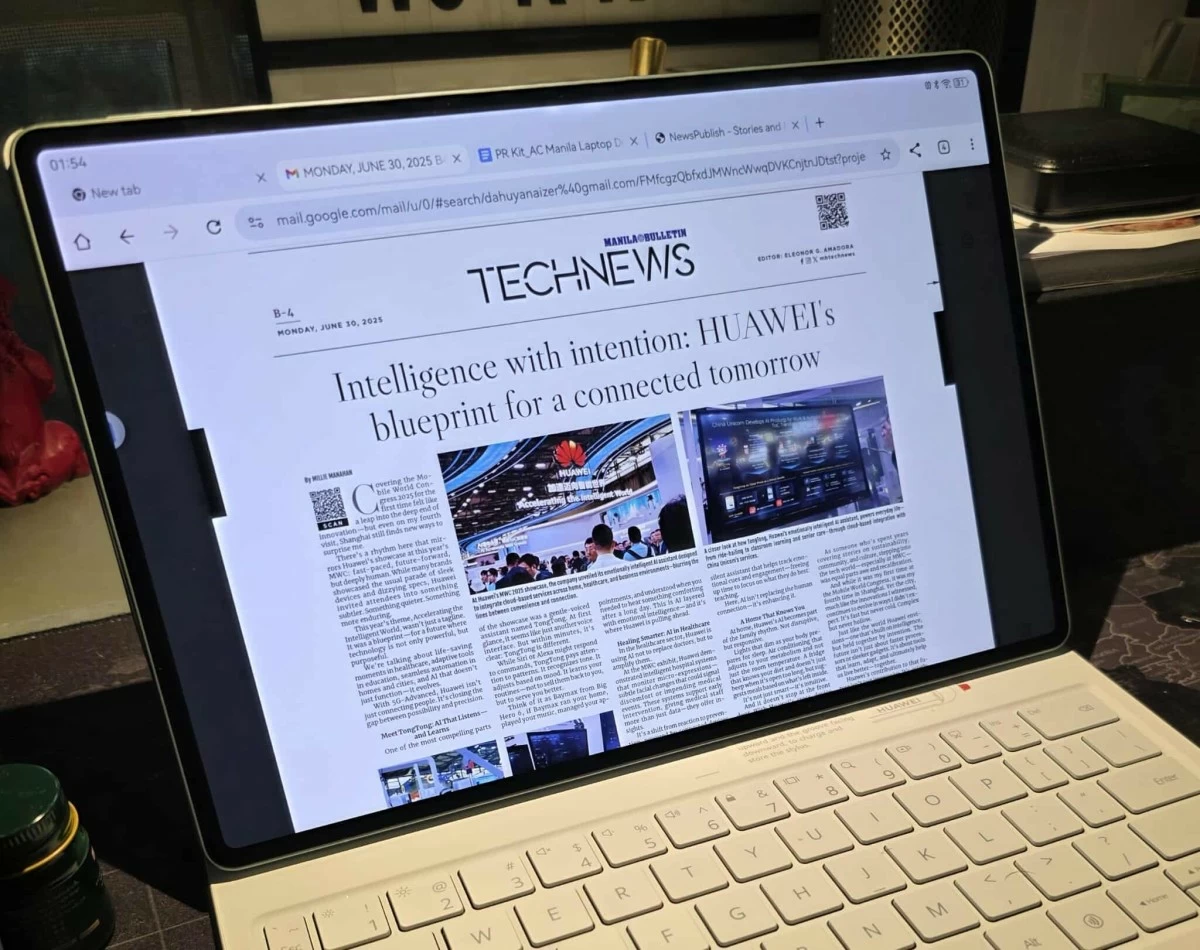
Unlike regular tablet screens that often struggle outdoors, the HUAWEI MatePad Pro 12.2" remains brilliantly visible, even under direct sunlight, thanks to its Tandem OLED PaperMatte display with a peak brightness of 2000 nits. The PaperMatte finish eliminates glare and distracting reflections, leaving behind a soft, paper-like surface that is noticeably easier on the eyes, especially during prolonged use.
Huawei MatePad Pro 12.2" takes note-taking to a whole new level. Whether you are jotting down personal thoughts or professional ideas, the HUAWEI Notes app offers a rich Resource Center filled with customizable covers, stickers, and paper templates to suit your style.
Beyond the basics, the Notes app introduces smart tools like AI handwriting enhancement to clean up those messy and illegible notes, a Magnifier, and a Lasso tool that allows you to move, resize, change text color or group handwritten notes easily.
Enjoy Huawei Notes even more with the use of the M-Pencil (3rd generation). I found myself scribbling, sketching and doodling just like I did back in school 30 years ago. Thanks to the PaperMatte display, it genuinely felt like writing on real paper.
Power in Laptop Mode
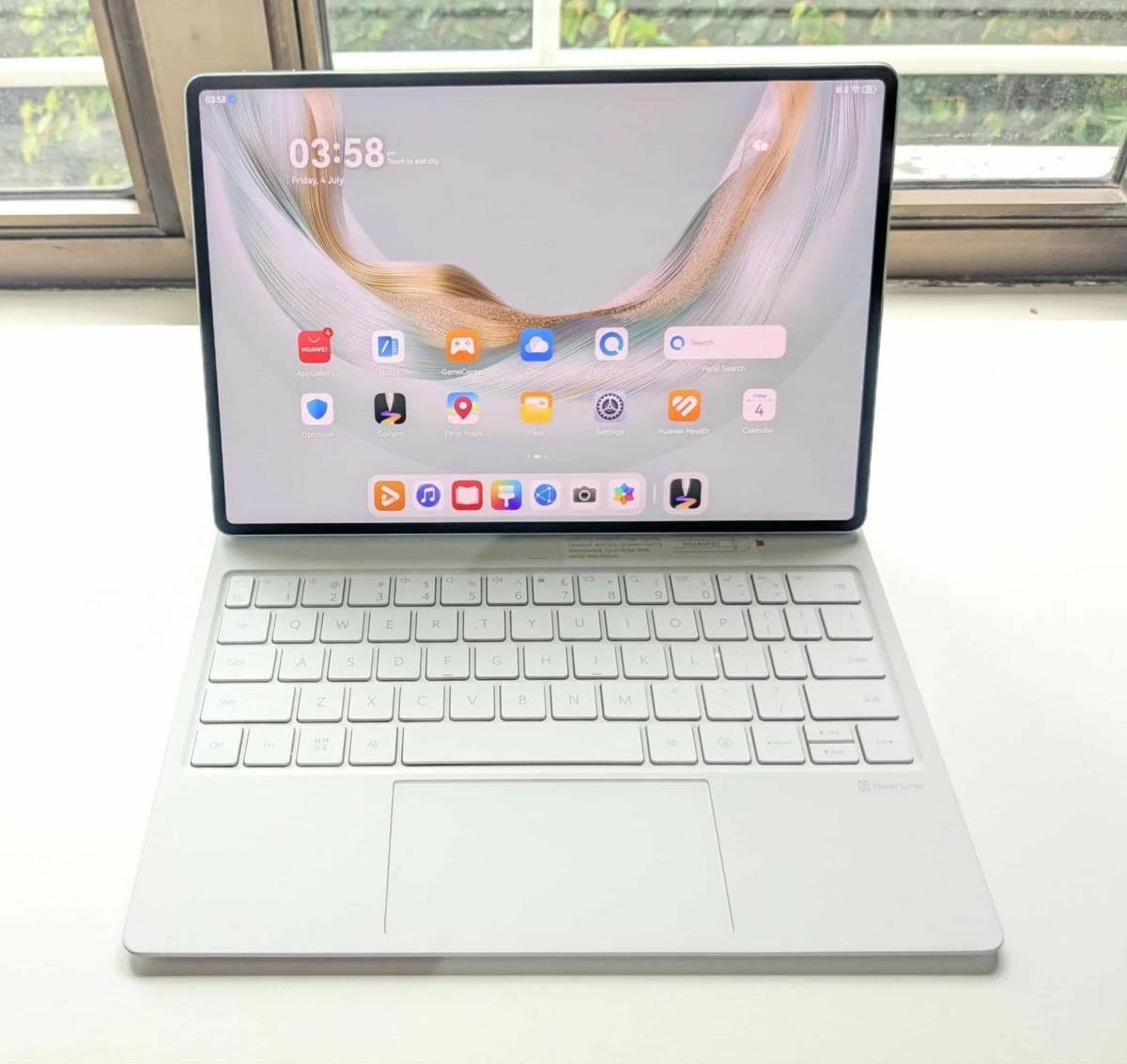
Productivity reached a whole new level the moment the HUAWEI Glide keyboard snapped into place, instantly transforming the MatePad Pro 12.2" into a full-fledged workstation. The HUAWEI Glide keyboard is not your typical magnetic keyboard; it is thoughtfully engineered for both form and function.
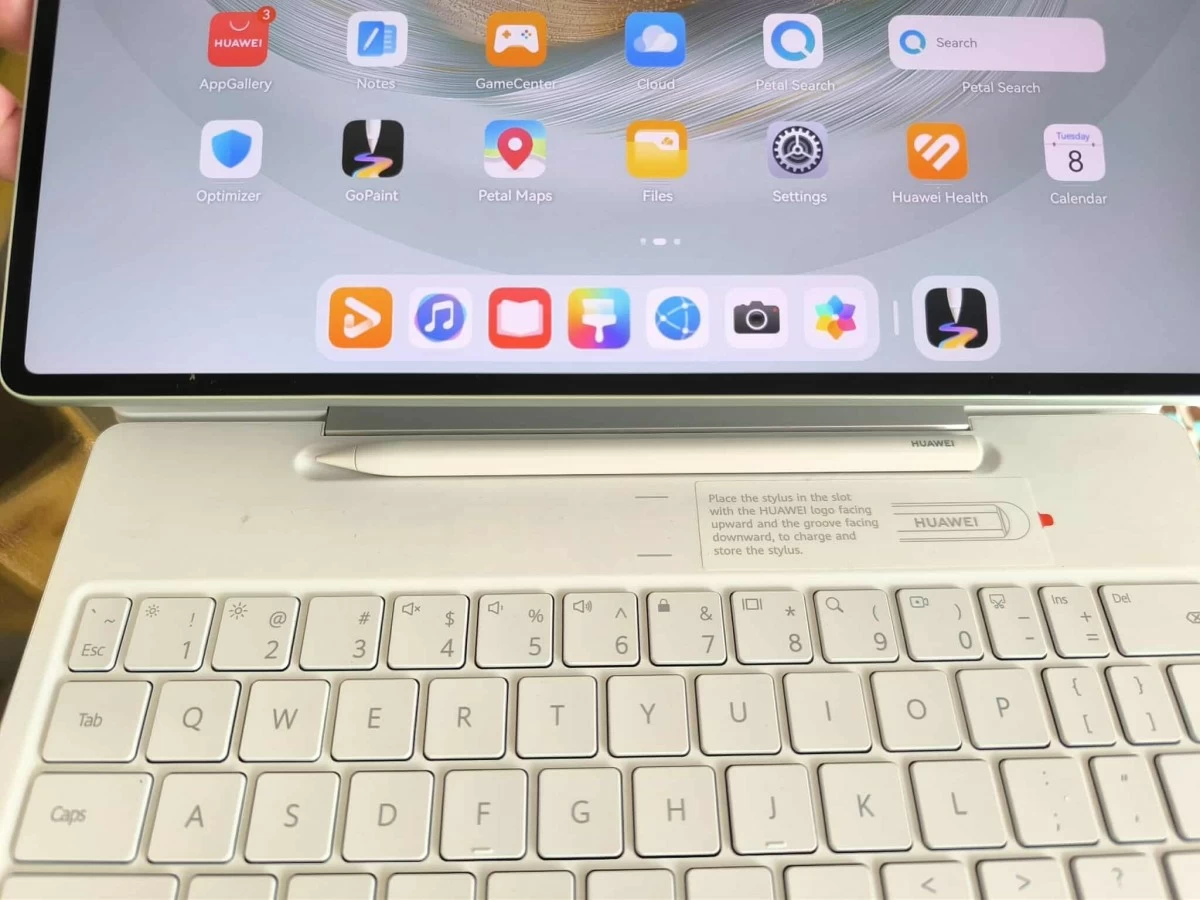
Crafted with skin-friendly, stain-resistant materials, the Glide keyboard features a secure built-in stylus slot that discreetly houses and charges the M-Pencil (3rd generation) when not in use. Both the stylus and the keyboard connect seamlessly to the tablet via Nearlink Technology.
Typing on the Glide Keyboard felt comfortable, with shortcut keys that closely mirror a PC experience. The keys were springy and responsive, making long typing sessions a breeze. Beneath the keyboard lies a spacious, full-area touchpad that supports multi-finger gestures. It was smooth, intuitive and every bit as fluid as using a laptop.
A standout feature of the HUAWEI MatePad Pro 12.2" is the PC-level WPS Office. This means you get WPS Office version that delivers the same experience and functionality you would expect on a desktop or laptop.
I am genuinely impressed; it is not a stripped-down mobile version like what you find on many other tablets. Instead, you get a complete suite: Word, PowerPoint, and Excel. It all feels instantly familiar. Just like on a PC, it features a desktop-style interface with the upper and lower toolbars displayed, a precise mouse pointer, and even a Live-Multitask feature that lets me run three apps simultaneously.
And because it is fully compatible with Microsoft Office formats, I can open, edit and save files without a hitch. Simply put, it is like having Microsoft Office on my laptop, only this time running smoothly on the HUAWEI MatePad Pro 12.2".
Spontaneous creativity in digital canvas mode
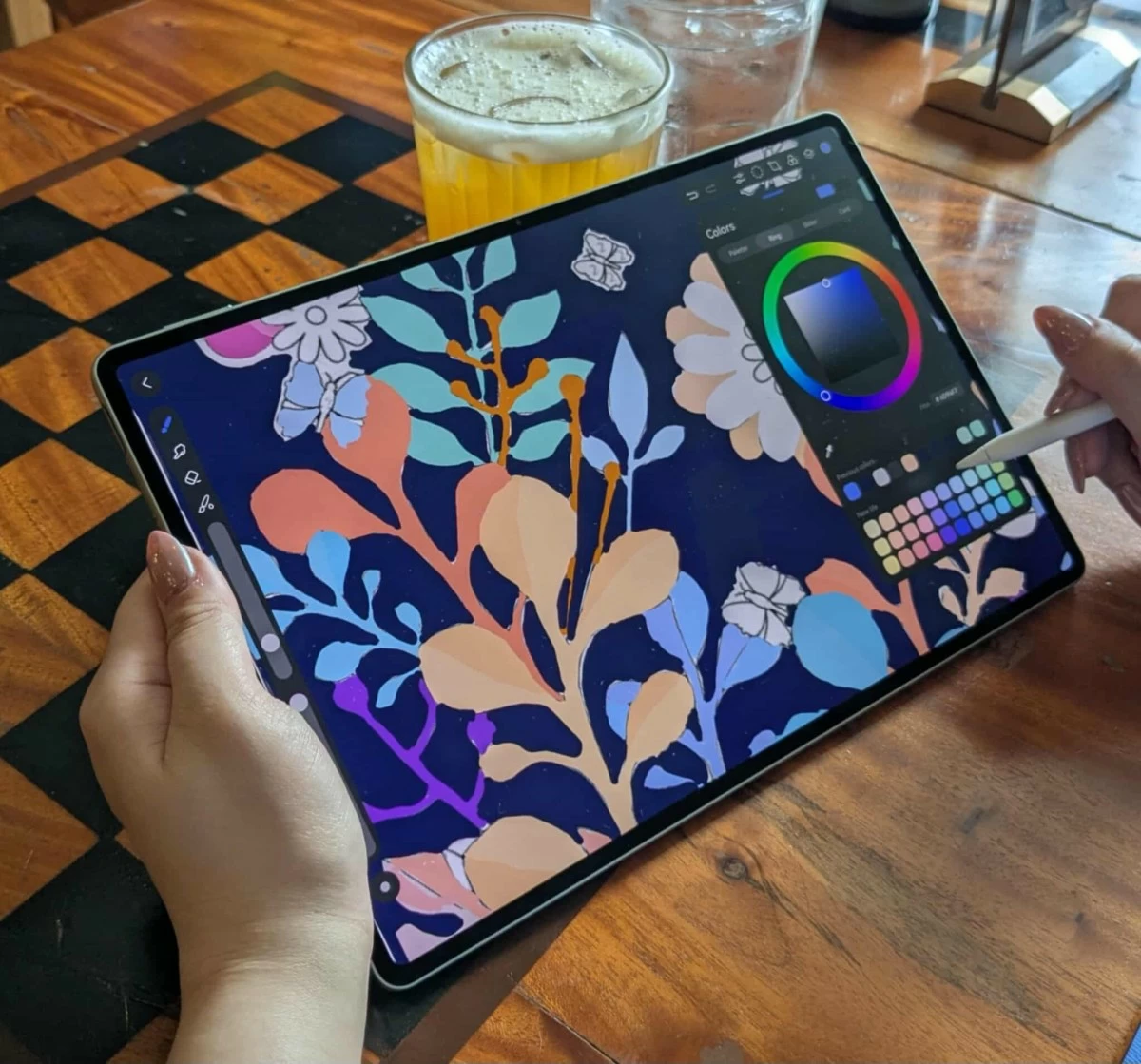
The HUAWEI MatePad Pro 12.2" brought out a creative side of me I never knew existed. Thanks to the GoPaint app, this device transformed into a digital easel.
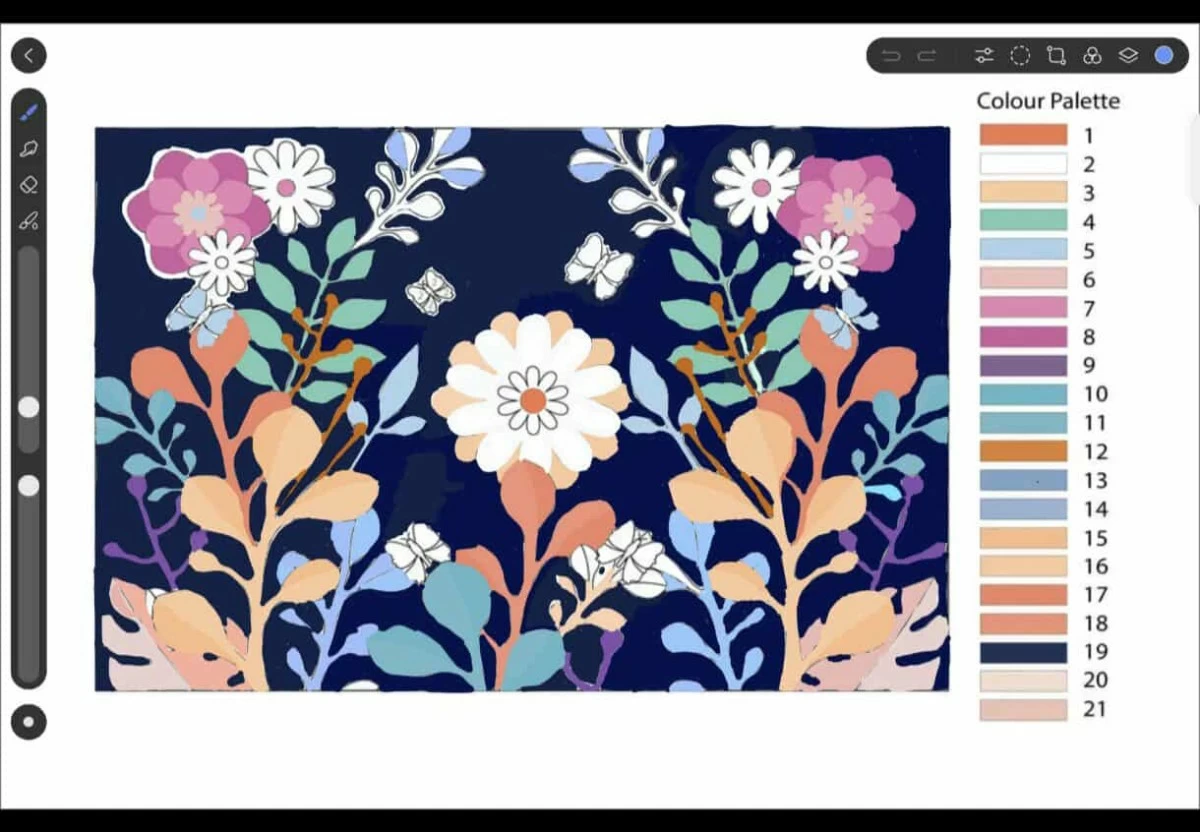
I'll be honest, I know nothing about drawing, painting, or detailed illustrations. Even stick figures are a stretch. So to test the app, I decided to try a paint-by-numbers project. First, I was prompted to select a brush, and there were plenty of true-to-life options like Oil paint brush, Splatter brush and true color brush, each offering different textures and sizes. Then came the line art and color selection. The app features tools such as oil paint, watercolor, ink wash, and more. You can even choose from surfaces like coarse linen, leather grain canvas and others, simulating real-world textures.
To make a long story short, I finished the entire paint-by-numbers piece and it felt great! I actually got hooked, staying up until midnight just to see it through. (Not that I was worried about battery life; the 10,100mAh battery had more than enough juice to keep up.) For someone who couldn't even draw a decent stick figure yesterday, I think I did pretty well. Here's my finished project. What do you think?
One feature I found especially cool in the GoPaint app is the frame-by-frame animation. Much like traditional hand-drawn animation, this feature lets users create motion one frame at a time, and even play it back to see how it flows. Pretty awesome, right?
And so, while the laptop and PC still hold a special place, the HUAWEI MatePad Pro 12.2" has proven itself more than worthy. Beyond the impressive key features already discussed, it also boasts Harmony OS 4.3 operating system, a dual rear camera system (50MP main + 8MP ultra-wide), an 8MP front camera, and WiFi7 capability, all of which made it stand out in a crowded field.
But it wasn't just the specs, it was the experience. A PC-level experience that even the most discerning business professionals and on-the-go creatives would appreciate. As for me, the HUAWEI MatePad Pro 12.2" has proven that even a loyal laptop and or PC user can discover a new way to compute, without compromise.