







How to setup Apple Pay


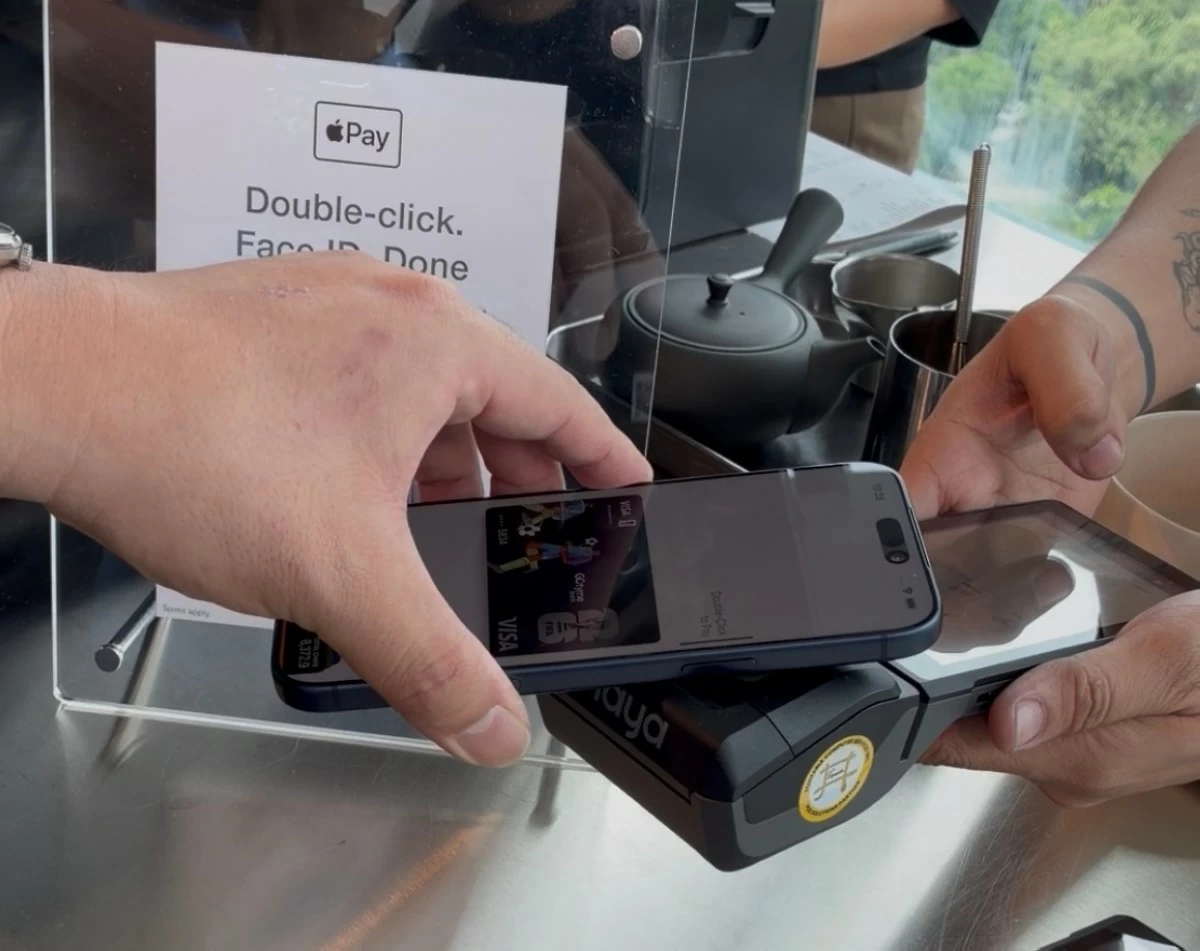
With anticipation and hype, Apple Pay is officially available in the Philippines, providing contactless and card-less payments for iPhone and Apple Watch users.
The rollout begins through Apple’s Wallet app, where partnered cards can be registered within moments. Users don’t have to input card details; all they have to do is tap their credit or debit cards onto their iPhones. Then users can begin their shopping spree with Apple Pay.
Users do not need to be online for this, meaning your iPhone or Apple Watch doesn’t need to be connected to the Wi-Fi or have their data enabled.
How to setup
Open the Wallet app in your iPhone.
Tap the + sign above.
You will have an option “Debit or Credit Card.” Tap that.
You will get a quick information page and “Continue” button to tap.
After that you get instructions telling you to tap your iPhone at the back of the card.
Then you’re all set.
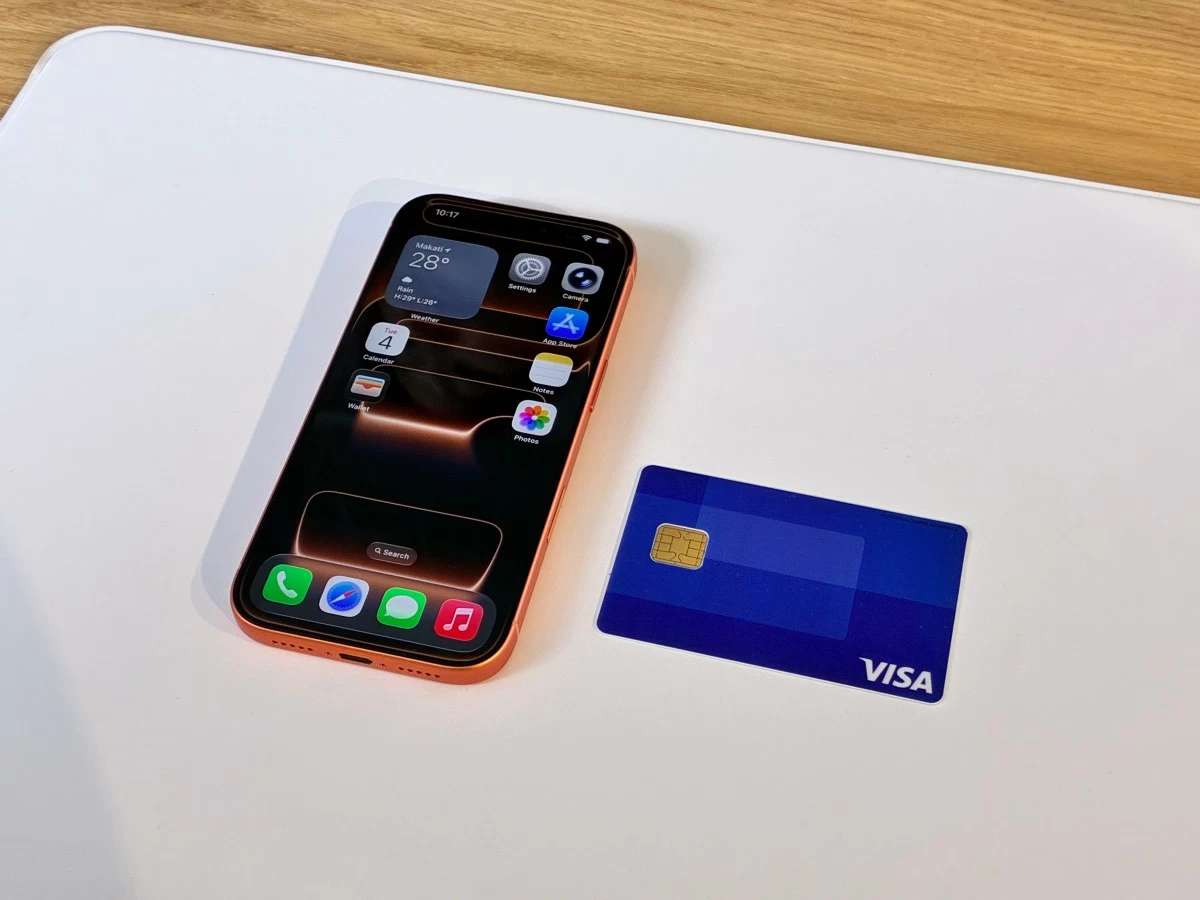
You can set multiple cards to one Apple Pay account. The first card you’ve registered will be the default card. The more cards you register, they are arranged into a stack, which you can flip through to choose which one you want to use for a purchase.
Users can also pay using the Apple Watch. Users only have to open their Wallet app through the Watch, double press the side button to activate, then scan on the POS device.
So far, partnered banks include GoTyme, Union Bank, Metrobank, and Chinabank. More are expected to roll out in the coming months.
Users also have the option to use Apple Pay over at Shopee, whether browser or mobile app.