ADVERTISEMENT

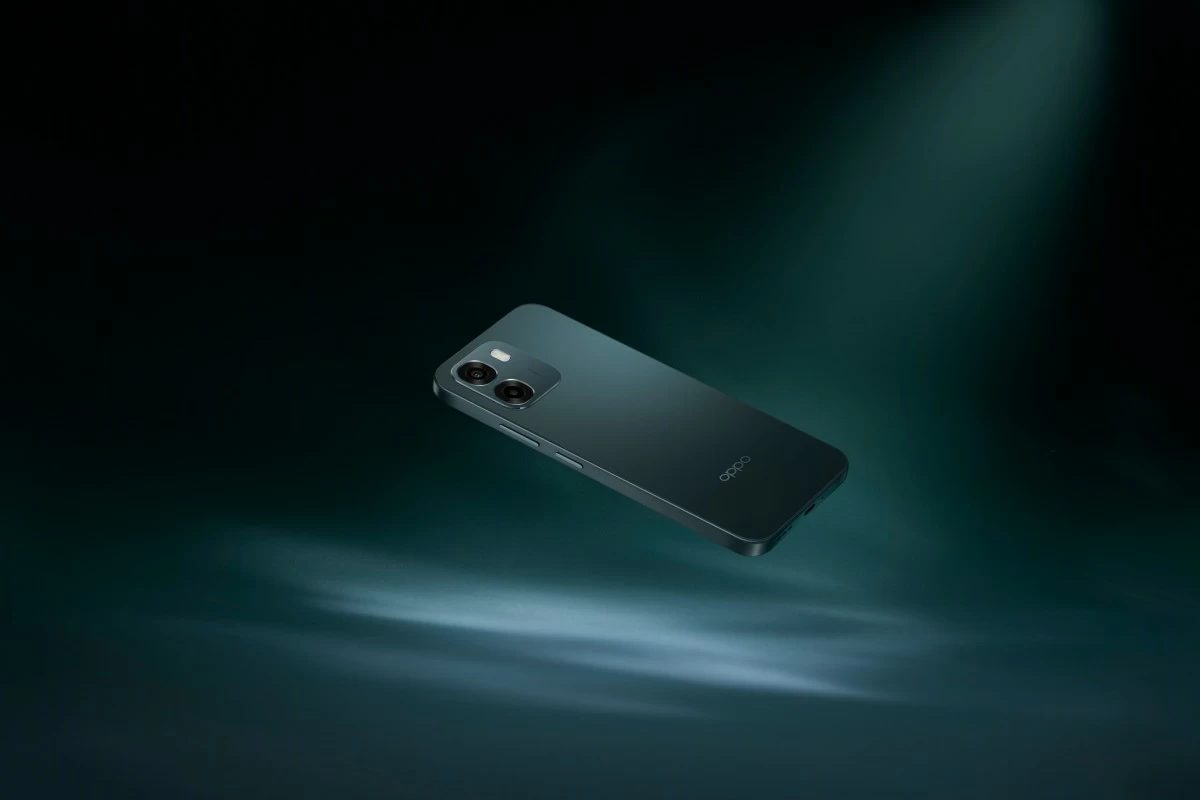
How the OPPO A6s 5G Puts Everyday AI to Work

Published Jul 9, 2026 08:52 pm

Artificial intelligence (AI) is steadily becoming part of everyday smartphone experiences, helping users complete common tasks without constantly jumping between different applications. Whether it's researching for a paper, brainstorming content ideas, editing photos before posting them online, squeezing in a few rounds of your favorite mobile game, or simply catching up on messages, AI is quietly removing extra steps from the process.

The OPPO A6s 5G, alongside its reliable hardware and long-lasting battery, brings together a collection of AI-powered tools designed to simplify everyday tasks with many of these features already built into the phone through ColorOS 16, making the entire experience more seamless.

Your next draft starts with a simple prompt

For students juggling assignments or content creators planning their next post, getting started is often the hardest part. Instead of opening several browser tabs or relying on third-party apps, users can access an intelligent assistant directly from their OPPO A6s 5G. 

The device comes with Google Gemini integrated into the experience, allowing users to brainstorm ideas, summarize information, draft messages, rewrite text, or generate content without switching to another device. A quick email draft while commuting, captions for social media, meeting notes, or travel planning can all begin from one place, saving both time and effort.

Perfect your photos the smart way
Editing photos has become part of everyday smartphone use. A picture might look great except for someone walking into the frame, poor lighting, or a slightly blurry subject. The OPPO A6s 5G includes several AI Camera features that work directly within the gallery, no other apps needed.
With AI Eraser 2.0, unwanted photobombers, distracting objects, or background clutter can be removed in just a few taps, while AI Unblur sharpens images affected by motion or camera shake to rescue memorable moments that might otherwise be discarded. AI Clarity Enhancer restores detail to older photos, zoomed-in shots, and distant subjects for a cleaner, more refined look, and AI Perfect Shot intelligently improves group photos by analyzing other images stored on the device to correct facial expressions or lighting, helping users capture everyone's best look without having to retake the shot.
Bring your ideas to life in just a few taps
Capturing a good photo is only half the process. Presenting it well matters just as much. The OPPO A6s 5G includes AI Studio and AI Recompose to help users improve their content without requiring advanced photography skills.
AI Recompose analyzes each photo and suggests better framing based on classic photography composition, making landscapes, portraits, and travel photos look more balanced with minimal effort. It's a helpful tool for anyone who wants cleaner social media posts but isn't familiar with manual cropping techniques. AI Studio, meanwhile, opens up more creative possibilities by allowing users to transform their photos into fresh styles directly on their phones. Users can experiment with creative edits inside the built-in ecosystem, keeping the entire workflow simple and convenient.

Related Tags

OPPO OPPO A6s 5G Oppo A6s
ADVERTISEMENT
.most-popular .layout-ratio{ padding-bottom: 79.13%; } @media (min-width: 768px) and (max-width: 1024px) { .widget-title { font-size: 15px !important; } }

{{ articles_filter_1561_widget.title }}

.most-popular .layout-ratio{ padding-bottom: 79.13%; } @media (min-width: 768px) and (max-width: 1024px) { .widget-title { font-size: 15px !important; } }

{{ static_articles_1562_widget.title }}

.most-popular .layout-ratio{ padding-bottom: 79.13%; } @media (min-width: 768px) and (max-width: 1024px) { .widget-title { font-size: 15px !important; } }

{{ articles_filter_1563_widget.title }}

{{ articles_filter_1564_widget.title }}

.mb-article-details { position: relative; } .mb-article-details .article-body-preview, .mb-article-details .article-body-summary{ font-size: 17px; line-height: 30px; font-family: "Libre Caslon Text", serif; color: #000; } .mb-article-details .article-body-preview iframe , .mb-article-details .article-body-summary iframe{ width: 100%; margin: auto; } .read-more-background { background: linear-gradient(180deg, color(display-p3 1.000 1.000 1.000 / 0) 13.75%, color(display-p3 1.000 1.000 1.000 / 0.8) 30.79%, color(display-p3 1.000 1.000 1.000) 72.5%); position: absolute; height: 200px; width: 100%; bottom: 0; display: flex; justify-content: center; align-items: center; padding: 0; } .read-more-background a{ color: #000; } .read-more-btn { padding: 17px 45px; font-family: Inter; font-weight: 700; font-size: 18px; line-height: 16px; text-align: center; vertical-align: middle; border: 1px solid black; background-color: white; } .hidden { display: none; }
function initializeAllSwipers() { // Get all hidden inputs with cms_article_id document.querySelectorAll('[id^="cms_article_id_"]').forEach(function (input) { const cmsArticleId = input.value; const articleSelector = '#article-' + cmsArticleId + ' .body_images'; const swiperElement = document.querySelector(articleSelector); if (swiperElement && !swiperElement.classList.contains('swiper-initialized')) { new Swiper(articleSelector, { loop: true, pagination: false, navigation: { nextEl: '#article-' + cmsArticleId + ' .swiper-button-next', prevEl: '#article-' + cmsArticleId + ' .swiper-button-prev', }, }); } }); } setTimeout(initializeAllSwipers, 3000); const intersectionObserver = new IntersectionObserver( (entries) => { entries.forEach((entry) => { if (entry.isIntersecting) { const newUrl = entry.target.getAttribute("data-url"); if (newUrl) { history.pushState(null, null, newUrl); let article = entry.target; // Extract metadata const author = article.querySelector('.author-section').textContent.replace('By', '').trim(); const section = article.querySelector('.section-info ').textContent.replace(' ', ' '); const title = article.querySelector('.article-title h1').textContent; // Parse URL for Chartbeat path format const parsedUrl = new URL(newUrl, window.location.origin); const cleanUrl = parsedUrl.host + parsedUrl.pathname; // Update Chartbeat configuration if (typeof window._sf_async_config !== 'undefined') { window._sf_async_config.path = cleanUrl; window._sf_async_config.sections = section; window._sf_async_config.authors = author; } // Track virtual page view with Chartbeat if (typeof pSUPERFLY !== 'undefined' && typeof pSUPERFLY.virtualPage === 'function') { try { pSUPERFLY.virtualPage({ path: cleanUrl, title: title, sections: section, authors: author }); } catch (error) { console.error('ping error', error); } } // Optional: Update document title if (title && title !== document.title) { document.title = title; } } } }); }, { threshold: 0.1 } ); function showArticleBody(button) { const article = button.closest("article"); const summary = article.querySelector(".article-body-summary"); const body = article.querySelector(".article-body-preview"); const readMoreSection = article.querySelector(".read-more-background"); // Hide summary and read-more section summary.style.display = "none"; readMoreSection.style.display = "none"; // Show the full article body body.classList.remove("hidden"); } document.addEventListener("DOMContentLoaded", () => { let loadCount = 0; // Track how many times articles are loaded const offset = [1, 2, 3, 4, 5, 6, 7, 8, 9, 10]; // Offset values const currentUrl = window.location.pathname.substring(1); let isLoading = false; // Prevent multiple calls if (!currentUrl) { console.log("Current URL is invalid."); return; } const sentinel = document.getElementById("load-more-sentinel"); if (!sentinel) { console.log("Sentinel element not found."); return; } function isSentinelVisible() { const rect = sentinel.getBoundingClientRect(); return ( rect.top < window.innerHeight && rect.bottom >= 0 ); } function onScroll() { if (isLoading) return; if (isSentinelVisible()) { if (loadCount >= offset.length) { console.log("Maximum load attempts reached."); window.removeEventListener("scroll", onScroll); return; } isLoading = true; const currentOffset = offset[loadCount]; window.loadMoreItems().then(() => { let article = document.querySelector('#widget_1690 > div:nth-last-of-type(2) article'); intersectionObserver.observe(article) loadCount++; }).catch(error => { console.error("Error loading more items:", error); }).finally(() => { isLoading = false; }); } } window.addEventListener("scroll", onScroll); });

Sign up by email to receive news.