







Smart PC upgrades that match your gaming start at Cyberzone
Here's a practical guide on what to prioritize when upgrading your PC for smoother gaming
Published Mar 3, 2026 04:10 pm


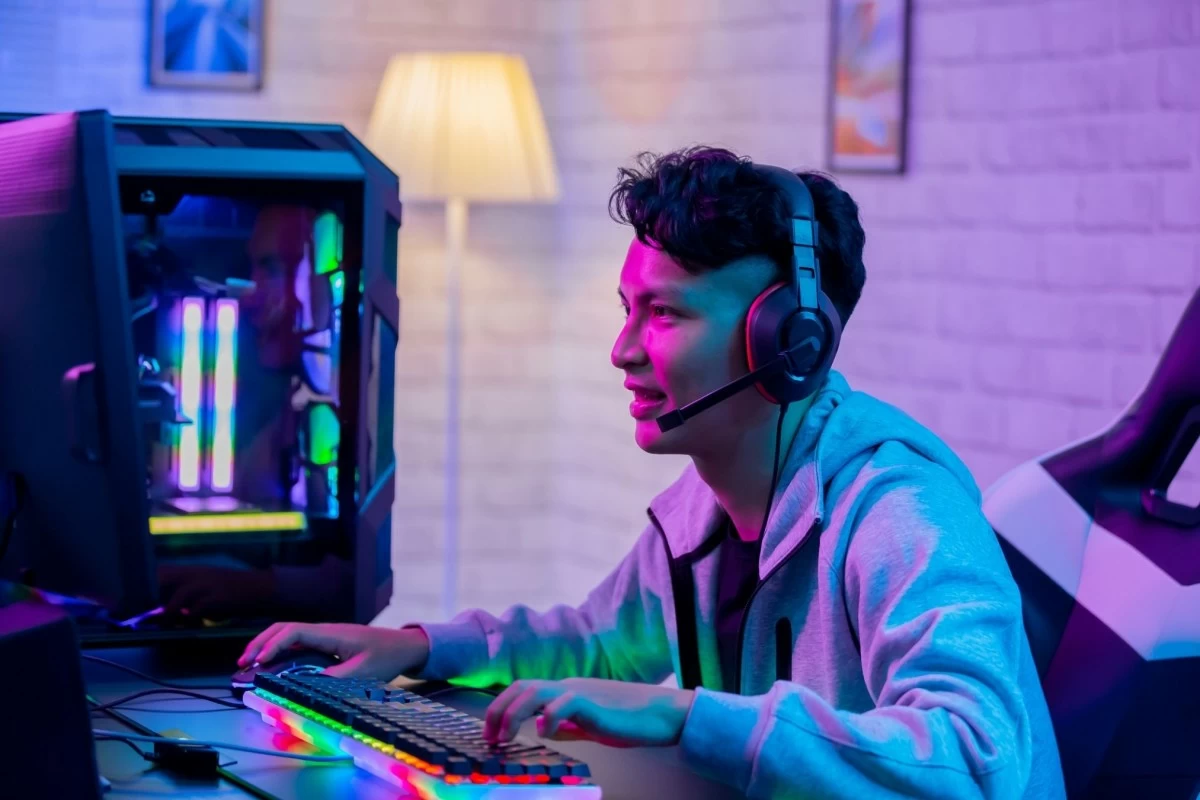
Desktop games today are uncannily close to real life that players easily slip into a zone where focus sharpens and movement feels instinctive, and that flow is fragile. One lag spike or sudden stutter is enough to break momentum, and as games become more demanding, older hardware and software often struggle to keep pace with a player’s skill.
Upgrading is part of staying in that zone. It no longer has to feel complicated. With plenty of online reviews and affordable choices, upgrading your setup is easier than ever. One can get that smoother motion, quicker reactions, and a gaming world that almost feels real.
Here’s a guide to the upgrades that matter most and how Cyberzone can help you make them.
Start with the upgrades that actually affect gameplay
Graphics card (GPU) comes first because it has the biggest effect on frame rates and visual stability. Without a capable GPU, even a strong processor will struggle to maintain smooth motion. If your system runs below 60 frames per second in competitive titles like Valorant or Apex Legends, expect delayed input response and screen tearing during fast movements. In open world games such as Hogwarts Legacy, an underpowered GPU may cause uneven motion, texture pop in, or sudden dips in frame rate while exploring detailed environments like villages or castle interiors.

For students upgrading from integrated graphics, entry level GPUs with at least 6GB VRAM can support 1080p gaming at medium settings in titles like Hogwarts Legacy while maintaining stable performance in esports games. Young professionals targeting smoother visuals on AAA releases should look at GPUs with 8GB to 12GB VRAM for more consistent gameplay at higher settings. Professional or competitive gamers aiming for 144Hz gameplay will benefit from higher tier cards that can sustain stable frame rates even in visually complex scenes.
Processor (CPU) determines how well your system handles complex in game calculations, background apps, and multitasking. When your CPU is outdated, you may notice sudden frame drops during large scale battles in Apex Legends or while loading new areas in open world games like Hogwarts Legacy, especially when voice chat or recording software runs in the background.
Memory and storage affect how consistently your system performs over long sessions. Systems with only 8GB RAM may experience lag when games load large maps or detailed environments. In Hogwarts Legacy for example, limited memory can result in longer asset loading times when entering new locations. Upgrading to 16GB RAM allows smoother gameplay across most modern titles, while switching from a hard drive to a solid state drive significantly reduces load times and startup delays.

Upgrading to 16GB RAM allows smoother gameplay across most modern titles, while 32GB benefits creators who edit videos or stream. Switching from a hard drive to a solid state drive significantly reduces load times and prevents delays in texture streaming during gameplay. While SSDs do not directly increase frame rates, they make game startup screens and map loading noticeably faster and reduce interruptions caused by slow asset loading.
Cyberzone staff can guide you through demo setups that let you feel the difference in boot times and in game loading speeds between RAM sizes and SSD capacities.
Peripherals influence control accuracy and reaction time. A gaming mouse with adjustable DPI improves tracking precision in shooters, while mechanical keyboards often respond faster than membrane types due to lower actuation force. Surround sound headsets can also help identify enemy positions based on directional audio cues.
Cyberzone branches often have floor units available so you can test how different keyboards, mice, and headsets feel during gameplay before purchasing.
Behind all these upgrades sits the practical foundation of power supply and cooling. Stable power and efficient airflow protect your investment and keep performance consistent. Choosing the right wattage and quiet cooling solutions ensures your system runs reliably during long sessions. Guidance from in store experts helps match these essentials to your specific build.

The Cyberzone advantage
Cyberzone serves as a playground for that discovery. Tech-savvy buyers may see, touch, and test the gaming gear in stores, and compare upgrades in person instead of guessing online. With guidance from in store experts, the process shifts from trial and error to informed choice, helping players invest in changes that deliver performance they can feel right away.
What sets Cyberzone apart is the hands-on experience. Upgrading becomes a conversation rather than a solo gamble. You can compare brands side by side, ask questions, and explore bundled deals that stretch your budget further.

When you upgrade thoughtfully, every session becomes more immersive and satisfying. The game meets you at your pace, and in that smooth exchange between player and machine, the joy of gaming returns to center stage. Cyberzone provides the space and expertise to make those decisions with confidence.
Gamers can also take the excitement further at Cyberzone’s upcoming Challenger Series, a free gaming event happening on March 7–8 at SM North EDSA and April 18-19 at SM City BF Parañaque. It’s the perfect opportunity to test gear, experience competitive play, and connect with fellow gamers. Visit your nearest Cyberzone store at SM Supermalls and level up your gaming experience.