







TECH REVIEW: A week with the Lenovo Yoga Slim 7i Aura Edition
Published Dec 11, 2025 05:58 pm


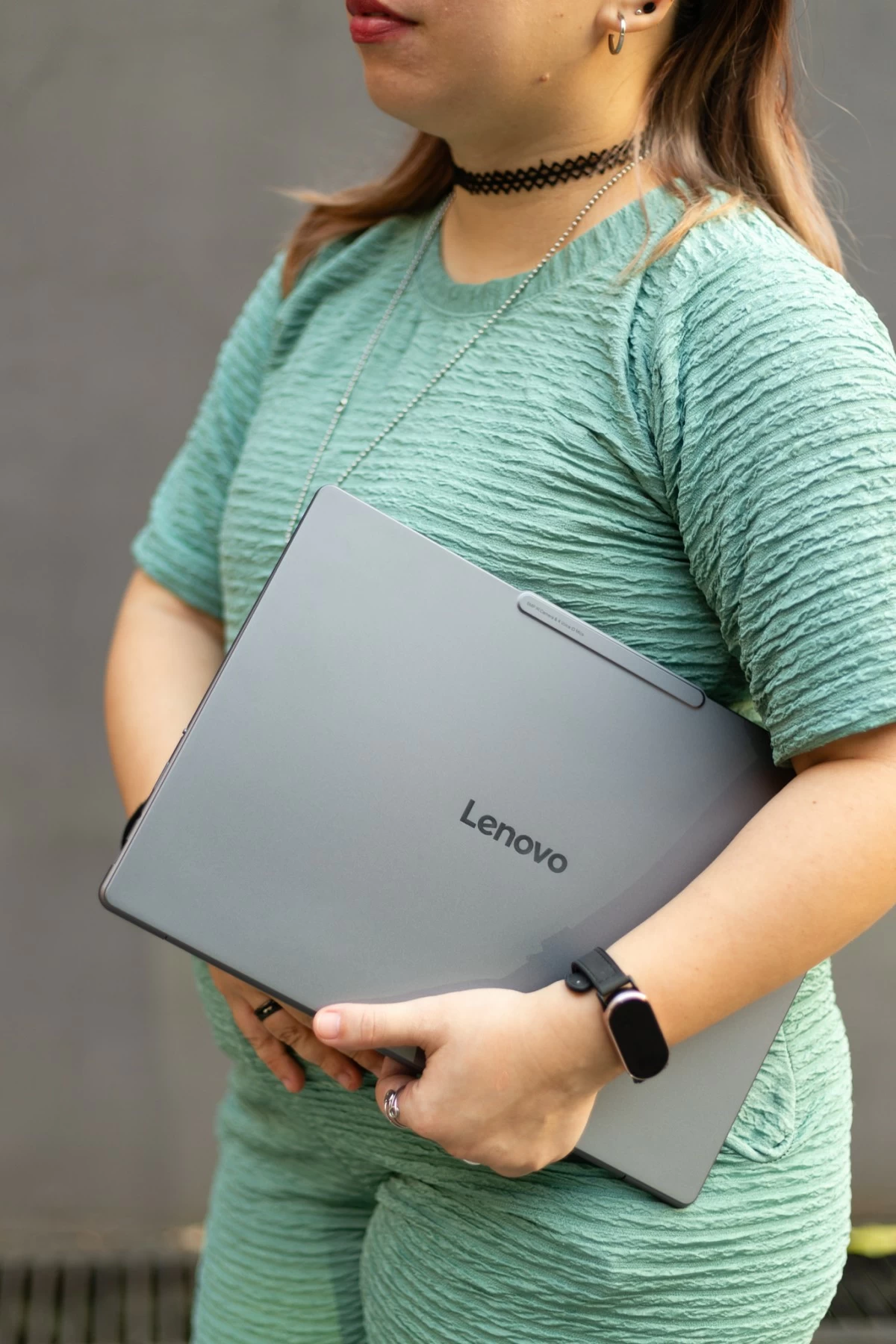
Now you might think that, that is not enough time to review a laptop, but with how my weeks have been, with all the events that I have to go to, the work that needs to be done, and the stories that need to be written, the Lenovo Yoga Slim 7i Aura Edition will definitely be put to the test.
Weekend play with a bit of work
Because I was terrified of being spoiled by Stranger Things spoilers, I dove right into finishing the first four episodes of season five on the laptop, and I was really impressed with the speakers. I am a stickler for sound quality, and would use a bluetooth whenever I used my personal laptop, but with the Lenovo Yoga Slim 7i, I didn’t need to use any speakers at all, thanks also to the Dolby Atmos compatible speakers.
I was also impressed with the battery! Aside from finishing the entire volume 1 of Stranger Things, I was also able to finally finish watching Guillermo del Torro’s ‘Frankenstein’ which has a runtime of two hours and twenty nine minutes, without the laptop being plugged in. I was also doing some writing in between, don’t ask, that’s just my process.

One of my favorite things about it are the backlit keyboards. I know that may not be much, but for someone who writes at ungodly hours, sometimes in the early morning while my family is asleep, having backlit keyboards is a big deal, and could mean that I could write even with the lights off.
But what I love about the backlit keys is how intuitive they are. Once it detects that you have not been typing for a while, the backlit keys will automatically shut off, without you having to turn them off by yourself. You can also manually set the backlit keys, from ‘Auto’ to ‘Bright’ to ‘Off’. And I guess that also helps with conserving the battery.
Ideal for those on-the-go
During my first week at work, I dared to bring my 16 inch laptop with me, which meant commuting with it from Antipolo to Manila, squeezing in trains, clutching onto it in tricycles, and after that one experience, I swore never to bring it with me to work again. But with the Lenovo Yoga Slim 7i Aura Edition which is designed to be easy to carry at an impressive 13.4 inches and weighing only 3.22 lbs, the commute to work, and having to go from one event to the next while also working and writing in between was made easy thanks to how light and thin the laptop was!
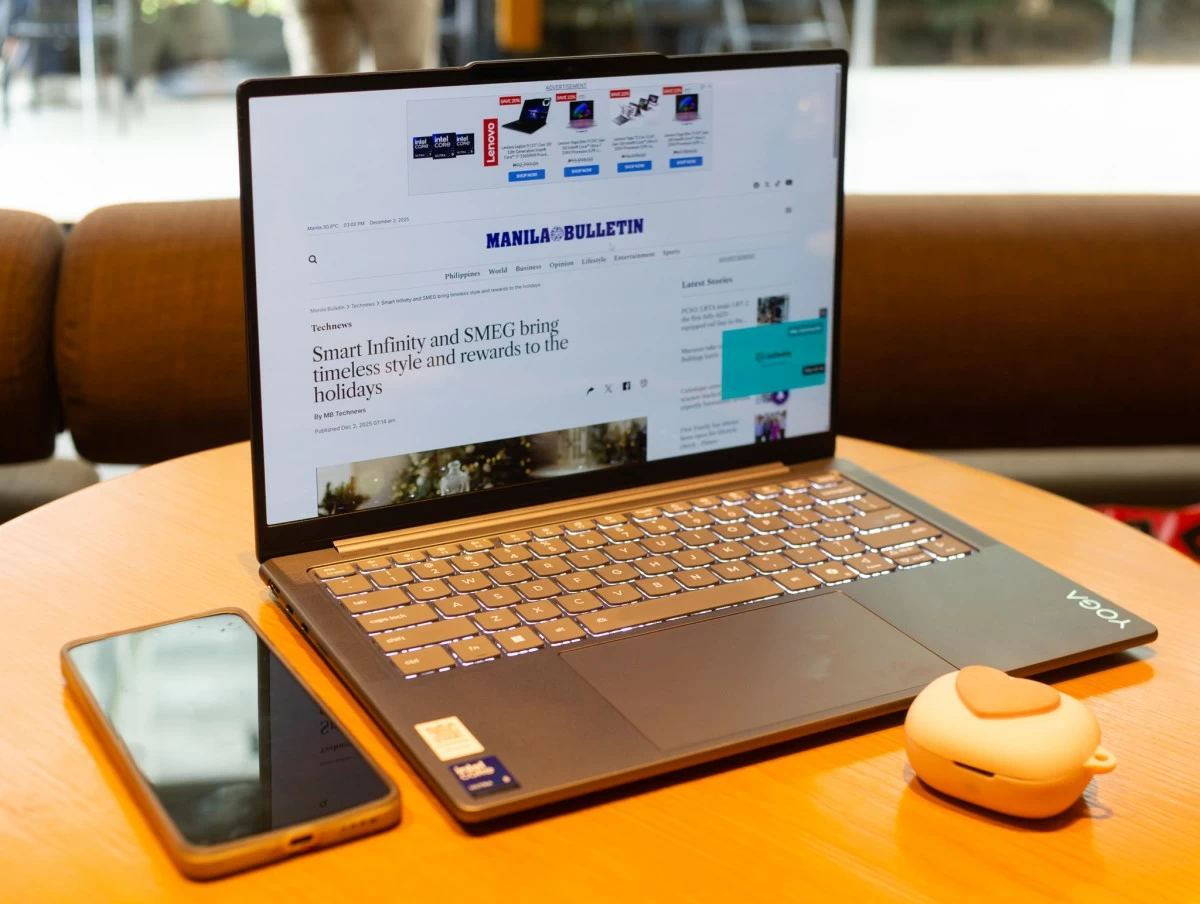
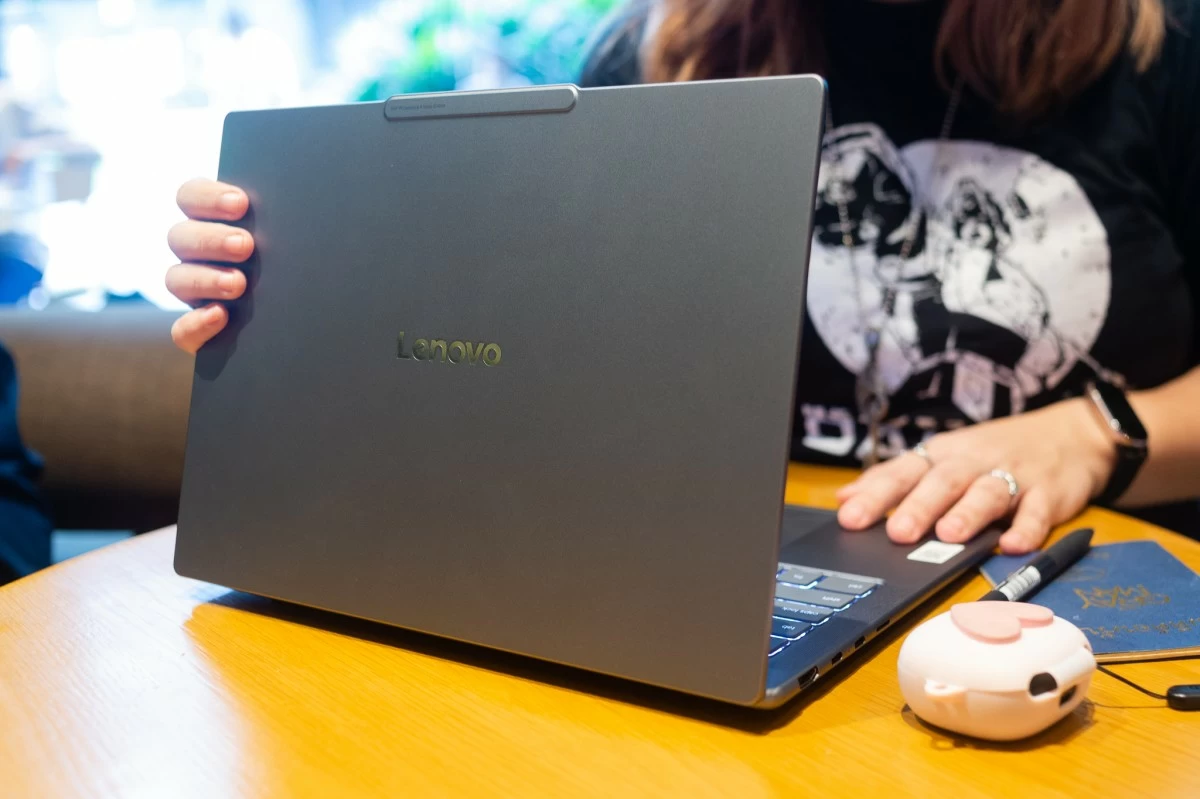
I also intentionally did not use a mouse while working with the Lenovo Yoga Slim 7i and the trackpad was smooth and responsive enough that I truly did not have to use one. I have little patience for trackpads that are not comfortable and don’t respond well, so this is a plus for me, since it just means less gadgets that I have to bring with me when I’m on the go with the laptop.
Makes things easier with Smart Share
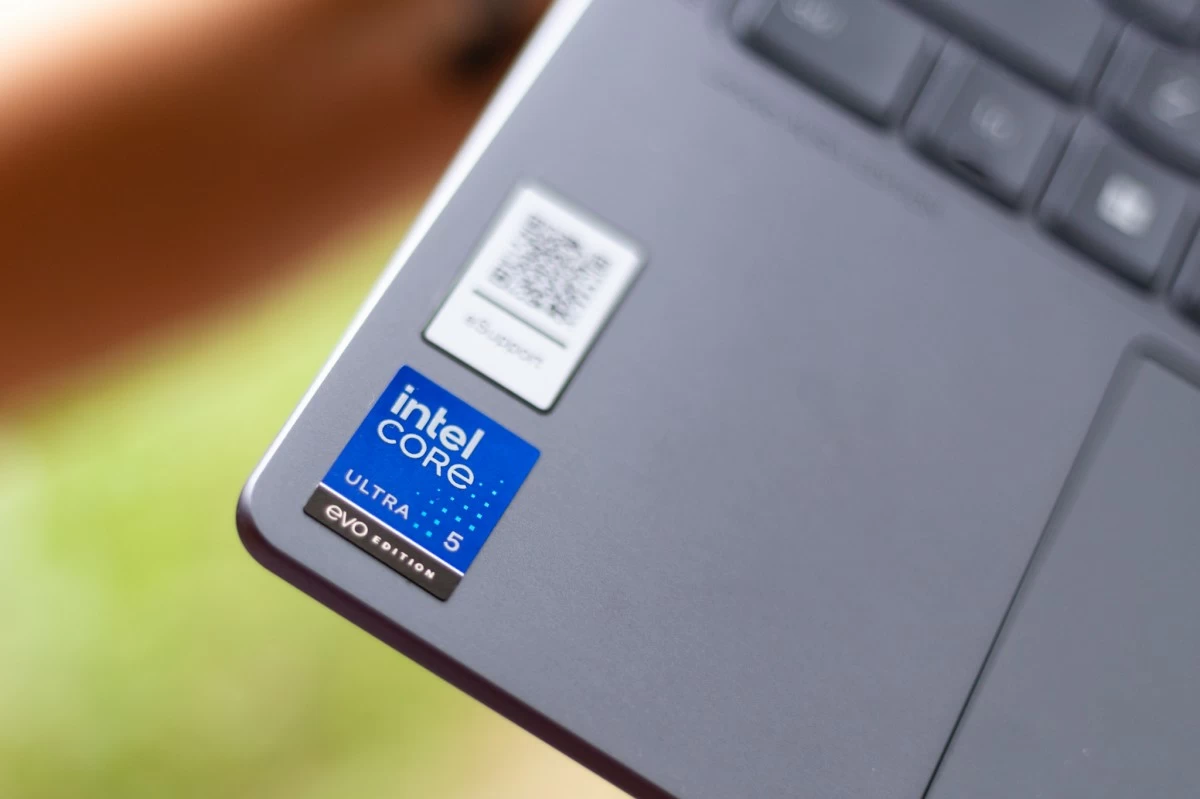
Probably my favorite discovery of the device would be the ‘Smart Share’ feature, which allows me to easily share my photos, videos (among others) from my phone to the laptop. It’s so easy - that I can simply do it with one tap or by pressing the F11 button! And this is really a game changer for someone like me who captures a lot of content on my phone and needs to transfer them to the laptop to do more editing. Speaking of editing, yes I was able to do some video editing via Capcut on the Lenovo Yoga Slim 7i Aura Edition without any issues. In case you were wondering, the laptop is powered by Intel® Core™ Ultra 5.
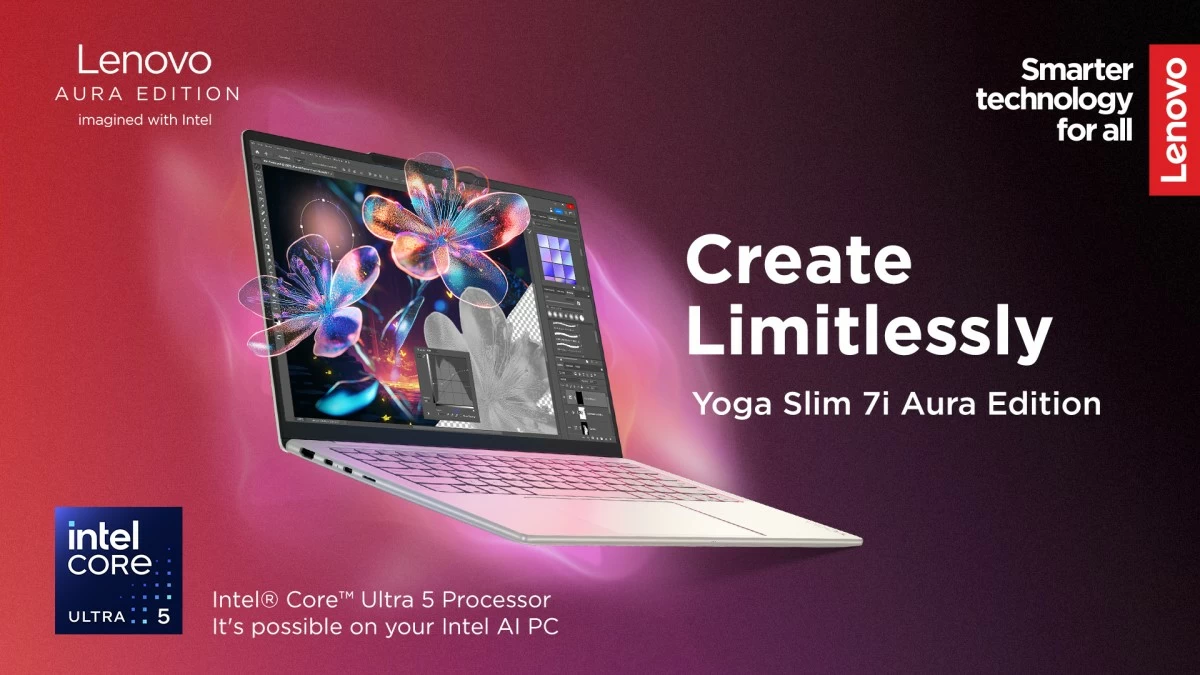
Built on the new Lunar Lake architecture, the laptop feels sure of itself even when pushed a little harder than usual. It handled my chaotic mix of Chrome tabs, photos to edit, and videos to scrub through without losing its cool, moving from task to task with the kind of quickness you don’t really notice until you try a slower device again.
The Intel Arc graphics and generous RAM also help it keep up when you throw in light editing work like trimming videos or cleaning up short clips for social content. It’s not pretending to be a full workstation meant for heavy production, but for writing, researching, editing, and creating on the go, it performs like a trustworthy partner.
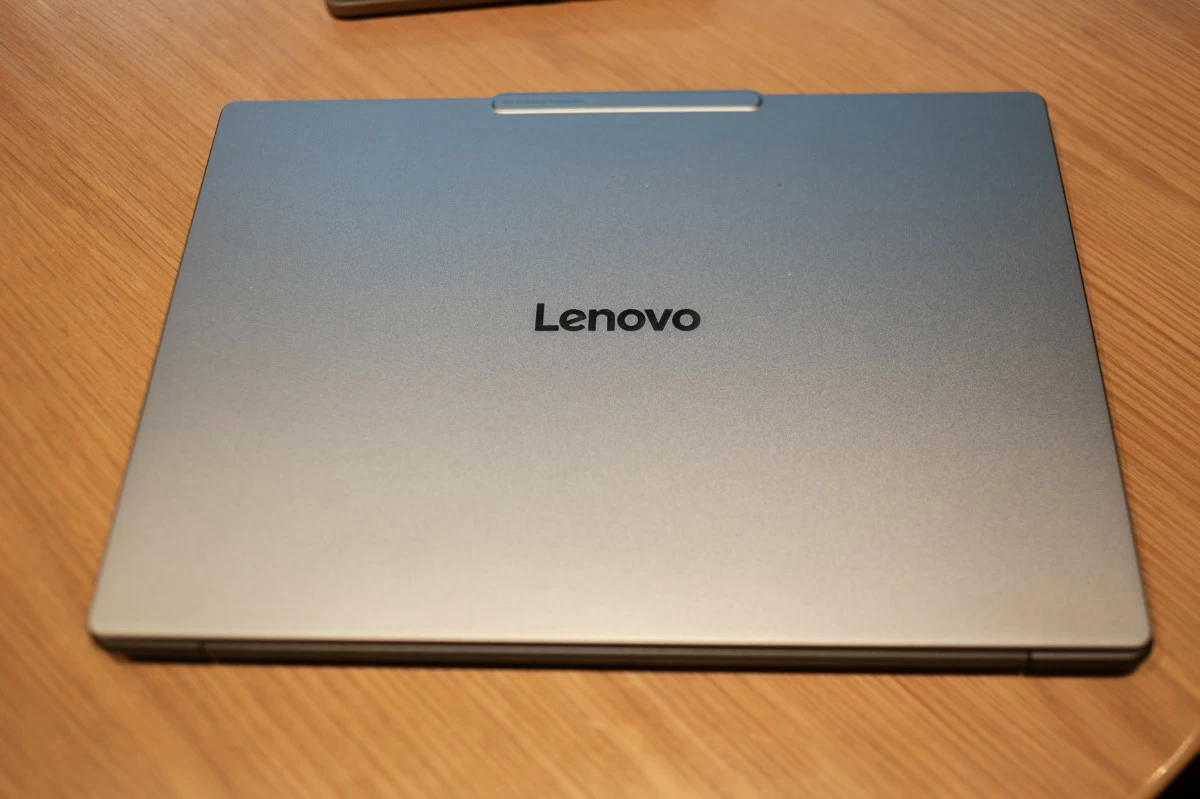
They say that the devil is in the details, and I also really like that there is a little bump in the middle, so you can easily lift the screen. I have been very happy with my week with the Lenovo Yoga Slim 7i, so much so that I could only wish that it wasn’t going to be just a week.