






 Technews
What to do when you lose your smartphone: A guide to protecting your personal data
Technews
What to do when you lose your smartphone: A guide to protecting your personal data
What to do when you lose your smartphone: A guide to protecting your personal data


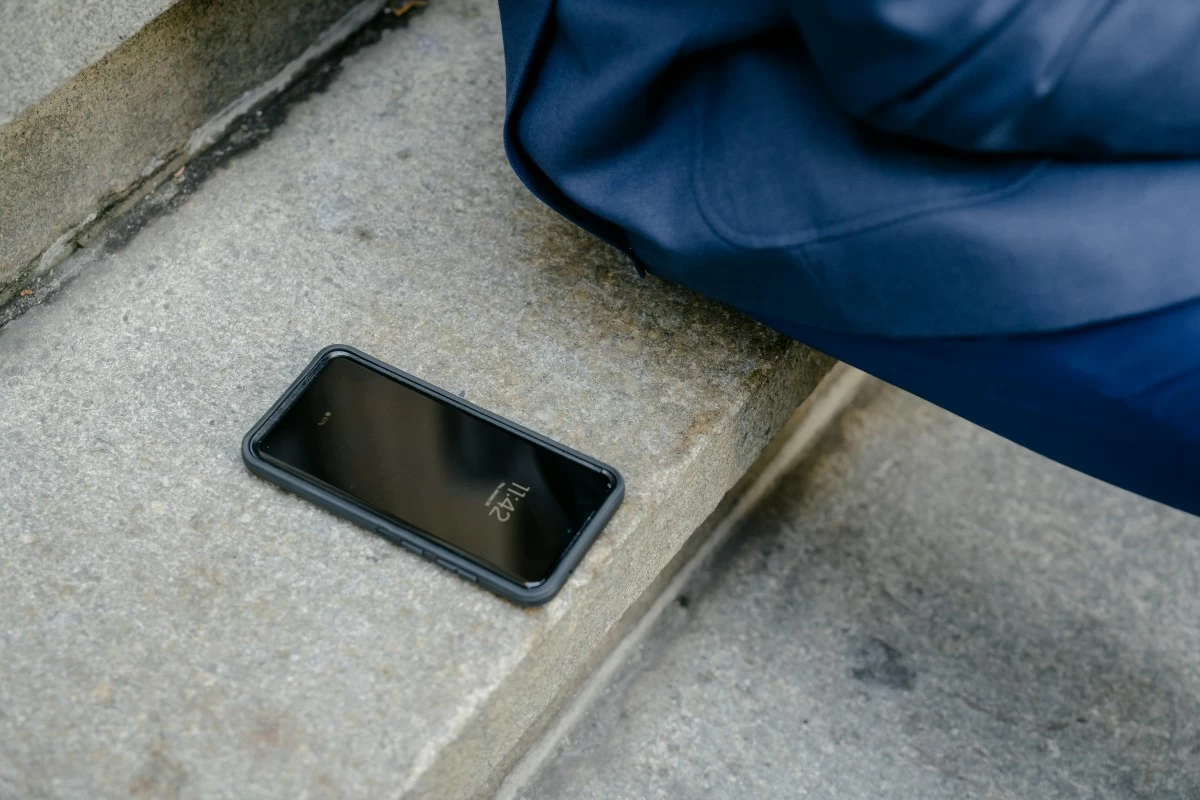
Last year, I lost my smartphone. It wasn’t the first time—I had also lost phones back in 2012 and 2014. However, this recent incident made me realize how much more inconvenient it is to lose a phone today.
In the past, losing a phone mainly meant losing contacts, photos, emails, and access to social media accounts. Today, however, smartphones have become central to our digital lives—they serve as wallets, banks, marketplaces, and even trading platforms. Most of our financial activities now run through mobile apps, which makes modern smartphones prime targets for cybercriminals once they fall into the wrong hands.
To help safeguard your data and digital identity, here are essential steps to take if your smartphone gets lost or stolen, based on my own experience:
1. Use a “Find My Phone” App to Locate Your Device
Using your personal computer or a backup phone, try locating your lost smartphone through the “Find My iPhone” or “Find My Device” feature. If it appears to be misplaced, you might be able to retrieve it safely. However, if you suspect that it has been stolen, do not attempt to recover it yourself. Instead, report it to the authorities. Always prioritize your personal safety above all else.
2. Remotely Erase the Data on Your Lost Device
From your computer, perform a remote wipe to delete all data stored on your lost smartphone. This will erase images, apps, and even saved PINs or passwords, preventing anyone who has your phone from accessing sensitive information.
3. Change Passwords and PINs of All Critical Accounts
Immediately update the passwords or PINs of your email, social media, banking, e-wallet, e-commerce, trading, and other important apps. Use a personal computer or backup phone to do this. Changing your credentials ensures that unauthorized users cannot gain access to your accounts.
4. Report the Incident to Your Network Service Provider
Contact your mobile network provider to disable the SIM card associated with your lost phone. This will prevent anyone from using your number for fraudulent purposes or impersonating you when contacting your important connections.
5. Inform Your Important Contacts
Notify family members, colleagues, and other important contacts that your smartphone has been lost. This precaution will help them stay alert and avoid engaging with suspicious individuals who may attempt to pose as you while you have not yet replaced your SIM card.
6. Secure an Affidavit of Loss
An affidavit of loss is required to obtain a replacement SIM card with the same mobile number as the one you lost. In the document, state that you have made all reasonable efforts to recover your phone but were unsuccessful. If theft is confirmed, you may also declare this, though your network provider might additionally require a police report. The affidavit must be notarized and signed by a lawyer.
7. Obtain a Replacement SIM Card
You can request a new SIM card from your network service provider, either with a new number or your old one. If you wish to retain your previous number, the provider will ask for your notarized affidavit of loss.
8. Notify Your Contacts Once You Have a New SIM Card
Once your new SIM is activated—whether with a new or existing number—inform your important contacts of the change. Doing so prevents confusion or suspicion when you resume communication.
Final Thoughts
Beyond the inconvenience of losing a device, the greater risk lies in the potential exposure of your personal and financial data. Protecting this information should be your top priority.
Having access to a personal computer or backup phone is also crucial, as it allows you to manage your accounts and perform the necessary recovery steps without delay. In today’s highly connected world, safeguarding your digital identity is just as important as protecting your physical safety.