







Arm yourself with these Razer gears


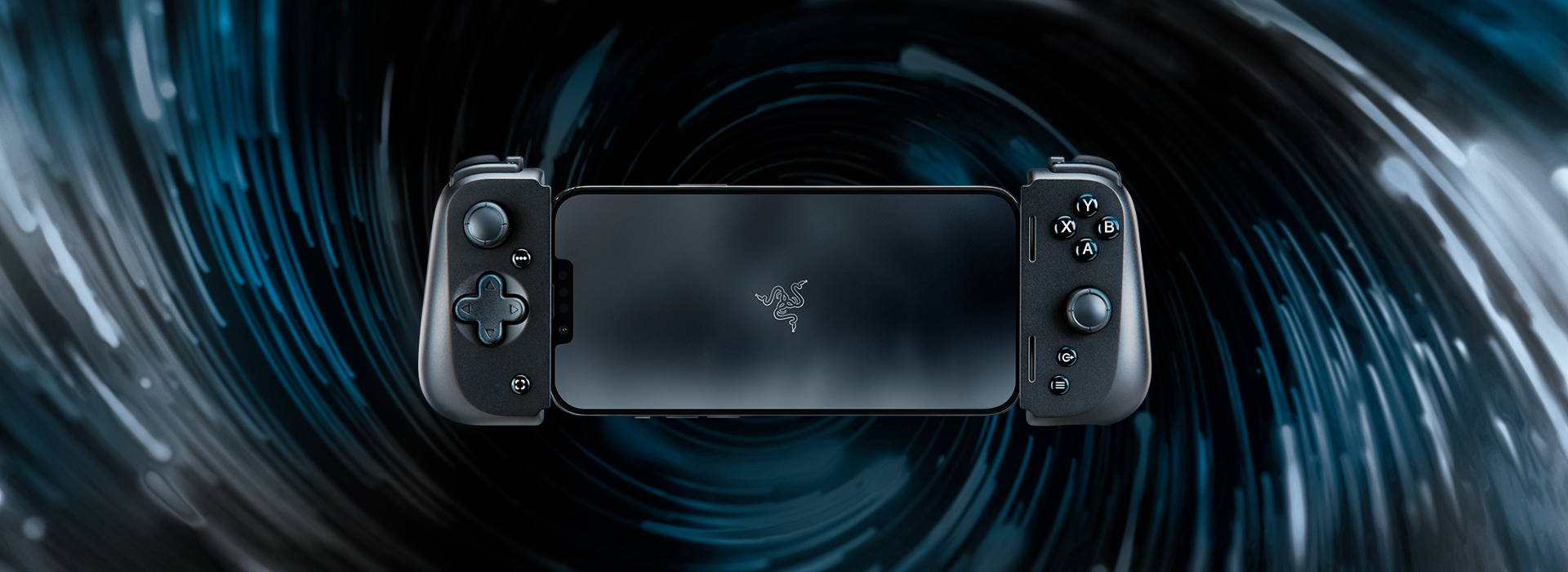
Mobile gaming is getting hotter. I’m not just talking about games from the App Store or Play Store, but Triple A games meant for consoles and PCs are now mobile through gaming handhelds. Of course, mobile games are going to step up their competition, and this past couple of years we’ve seen incredible mobile games come to life and several mainstream titles become available in smartphones.
But sometimes, tapping on the phone screen is not enough. Some of us want actual controllers, with D-pads and buttons to mash. And yes, several controllers are able to connect to your phones via Bluetooth. But carrying that extra bulk can be a hassle sometimes.
For those who can relate, the Razer Kishi V2 may be a solution. It’s a Razer product. What else is to say? The name alone mostly sells.
For reference, I’m using the iPhone version of the Razer Kishi V2.
But for those who want to read a little bit more, the Razer Kishi V2 is an excellent controller. The D-pad feels solid and accurate, while being soft enough and flexible enough to navigate around the game. The traditional YXAB buttons feel excellent to press and provide that satisfying clicking we always hear from our controllers.
You can download the Nexus app to allow games discovery and remapping buttons. The extra L4 and R4 buttons on top are a nice touch. In some cases I prefer these extra buttons above, rather than being at the back of the controller, where I end up pressing them by accident whenever I have to look away from the screen.
The Razer Kishi V2 won’t turn you into a pro player. But it sure will bring a ton of comfort.
We’re not done yet. We still have Razer’s Naga V2 Pro mouse. Now this one I’ve been using for months. And for almost half a year of use, it still holds up very well. The switchable plates, which contain a varying amount of macro keys, is something I had to warm up to, but finally understanding their purpose is a godsend. Besides for gaming, I am able to configure key sequences and save them on a specific button.
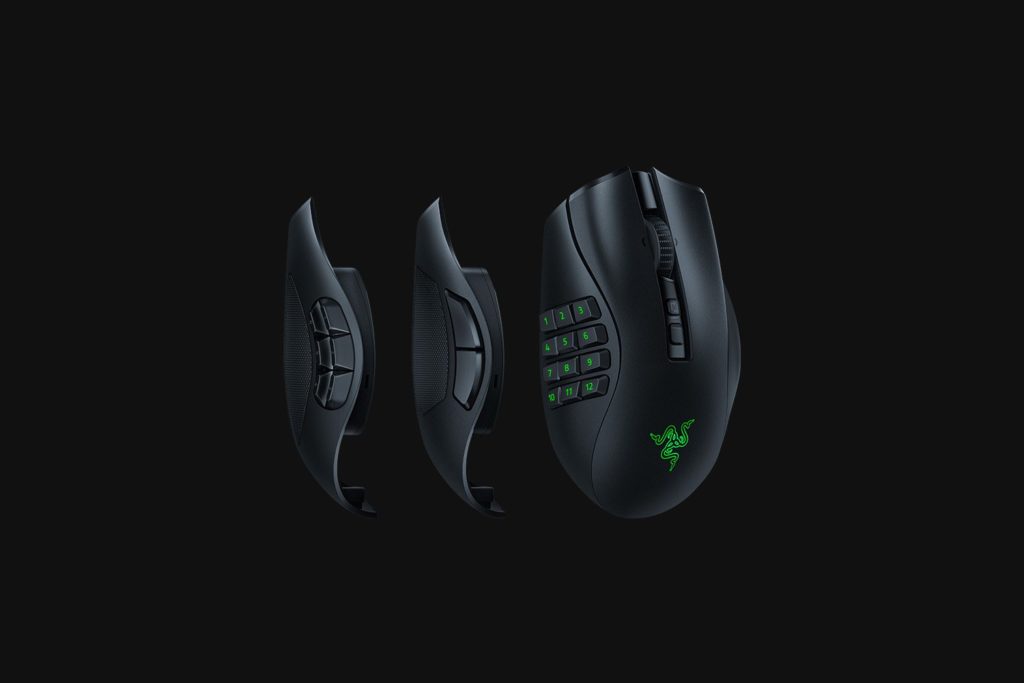
The ergonomics remain comfortable and the grip simply feels right. All the buttons are easy to reach, which is crucial for intense bouts. Yet even at prolonged use, my wrist and fingers remain relaxed. And the scroller is firm enough to not give you a sense to over-scroll.
Besides using it for gaming, the Naga V2 Pro is an excellent mouse for productivity. I was able to assign multiple key sequences such as copy and paste, phrases, and whatnot. I had my wife try it out herself, replacing her USB macro keyboard, and she found the experience significantly more useful.
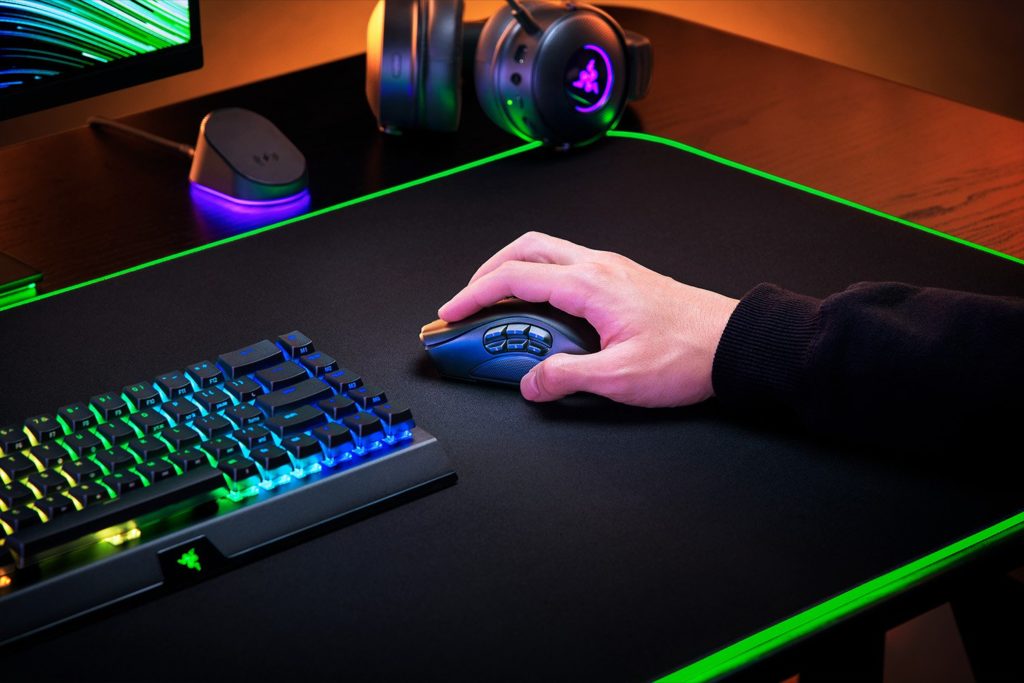
Razer says battery life lasts up to 150 hours when using the HyperSpeed Wireless and about 300 hours on Bluetooth. I haven’t experienced this myself, since the time I’ve only charged the Naga V2 Pro once and it’s been over a week and I’m still using it. So, sure, battery life seems to go over 100 hours.
Both the Razer Kishi V2 and the Naga V2 Pro are sure buys in my book.